

Access needs change throughout a home sale. A vacant listing, an occupied listing, a property under contract, and a completed sale may require different permissions. A lockbox installed at launch should not continue operating unchanged simply because nobody has reviewed it.
Closing out access is part of managing the property. It includes recovering keys, revoking digital permissions, removing equipment, and coordinating possession. The end of marketing is not automatically the end of every authorized visit.
Review access at each transition
When an offer is accepted, the property may still need inspections, appraisal appointments, repair visits, and a final walkthrough. Ask your agent which visits are expected and how they will be approved. Do not remove access prematurely and then scramble to restore it for required appointments.
At the same time, ordinary showing access may no longer be appropriate. The listing status, purchase contract, and local practices determine what can continue. Update scheduling instructions and permissions through the responsible professionals rather than assuming every credential holder understands the new status.
If the listing is paused, withdrawn, canceled, or expired, review access separately. A website showing inactive does not necessarily disable a device. A change in marketing status and a change in physical access are different actions.
Coordinate possession carefully
Closing and possession are not always the same moment. A purchase agreement may provide for immediate possession, delayed possession, or a separate occupancy arrangement. The exact timing and conditions matter for key transfer and continued seller access.
Confirm the agreed handoff with the closing professional and your agent. Do not release keys solely because someone says documents have been signed. Funding, recording, delivery, and other requirements can affect when the transaction is complete in the relevant jurisdiction.
If you remain after closing, use a properly reviewed written occupancy agreement. Discuss insurance, responsibility for damage, deposits if applicable, move-out obligations, and access. Informal promises about staying a few days can create significant uncertainty for both parties.
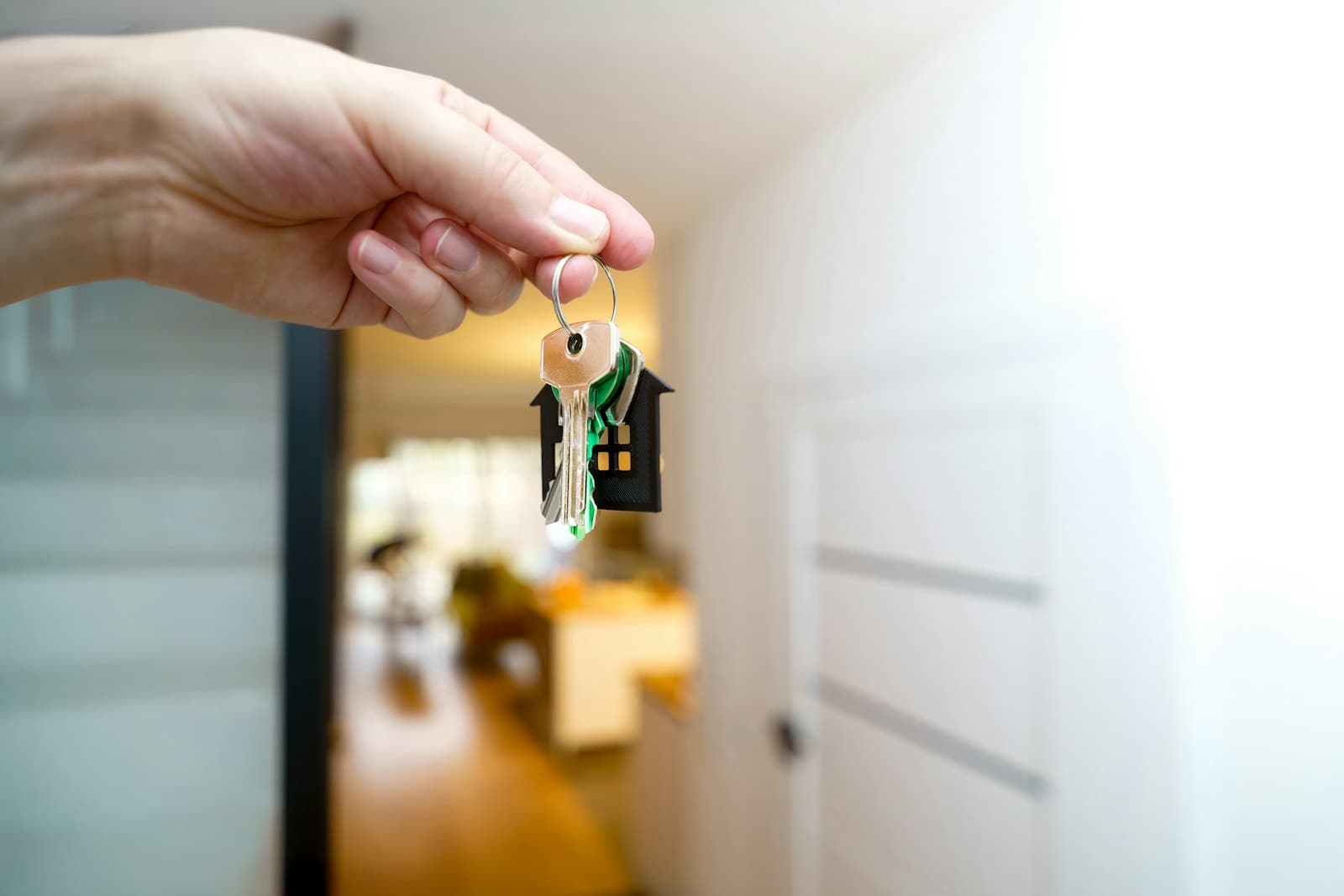
Recover all physical entry items
Inventory house keys, mailbox keys, garage remotes, gate devices, building fobs, and any other items to be transferred. Identify what belongs to the buyer, what belongs to an association, and what belongs to an access provider.
Retrieve the listing key and arrange lockbox removal at the agreed time. Confirm who owns the device and where it must be returned. A borrowed electronic box may have return obligations separate from the real estate transaction.
Do not leave a box on the property after sale without an explicit agreement from the appropriate parties. Even an empty device can create confusion about who controls access. Confirm removal rather than relying on an assumption that someone else will handle it.
Review digital entry separately
Smart locks, garage applications, alarm services, and other connected devices may have administrator accounts and guest permissions. Physical key transfer does not address those accounts. Ask the manufacturer or provider how to transfer control and remove seller access appropriately.
Avoid giving the buyer your personal account password. An account may also connect to billing, other devices, or another property. Use an approved ownership-transfer or reset procedure and document what was completed.
Confirm the treatment of access history and personal data. You may need to preserve transaction records while removing private household information from devices. Follow provider guidance and applicable requirements rather than deleting everything indiscriminately or leaving your entire personal account connected.
Address a canceled transaction
If a contract ends, access should be reviewed before ordinary marketing resumes. Buyers, inspectors, or contractors may have received temporary entry arrangements. Determine which permissions have expired and which require explicit revocation.
Do not assume a cancellation email deactivates a smart-lock code. Check the actual device settings. If keys were not returned or credentials were exposed, discuss appropriate security measures before new appointments begin.
Then restore the showing process deliberately: current instructions, working keys, approved access windows, and responsible contacts. A property returning to the market should have an access plan suited to its current circumstances, not a collection of permissions accumulated during the failed transaction.
A practical example
A seller cancels a listing and removes the yard sign. The mechanical lockbox remains on the side door with the same code previously sent to several visitors. The seller believes the property is no longer accessible because the listing is inactive.
In reality, the marketing change did not change the key or combination. Proper closeout would recover the key, remove the box, review who received credentials, and determine whether rekeying is appropriate. This example illustrates why physical and digital controls need their own checklist.
Create an access handoff record
Prepare a short inventory of items delivered and devices transferred. Identify the date, responsible person, and any unresolved issue. Keep actual passwords and unnecessary sensitive information out of a general transaction record.
For each entry system, ask four questions: who currently controls it, who should control it next, what action changes control, and how will completion be confirmed? These questions expose gaps that an ordinary moving checklist may miss.
If you are moving long-distance, arrange the closeout before leaving. A device left behind can become difficult to recover when you no longer have lawful possession or a local contact. Plan the final walkthrough, key handling, and equipment removal together.
Finish the process rather than assuming it is finished
After the agreed transition, confirm that temporary permissions have been addressed, equipment has been removed or transferred, and required entry items have reached the authorized recipient. Ask about any remaining appointment before shutting down access.
A home sale involves changing responsibility for a valuable physical asset. An orderly access handoff makes that change clearer. It protects the seller's privacy, supports the buyer's control, and prevents yesterday's showing arrangements from becoming tomorrow's security problem.
Confirm service obligations before canceling
An alarm subscription, lockbox rental, or connected-device service may have a notice period or transfer procedure. Contact the legitimate provider and clarify those requirements before canceling. Terminating a service too soon could disrupt a final authorized appointment; leaving it active indefinitely could create unnecessary charges or continued account access. Keep confirmation of the agreed cancellation or transfer. Coordinate timing with possession and remaining visits rather than using moving day as an automatic cutoff for every service.
Sources and further reading
This lesson explains how home sales generally work in the United States and is not legal advice. Your contract, state and local law, and listing service rules decide the specifics, so check them with your broker, attorney or closing provider.