
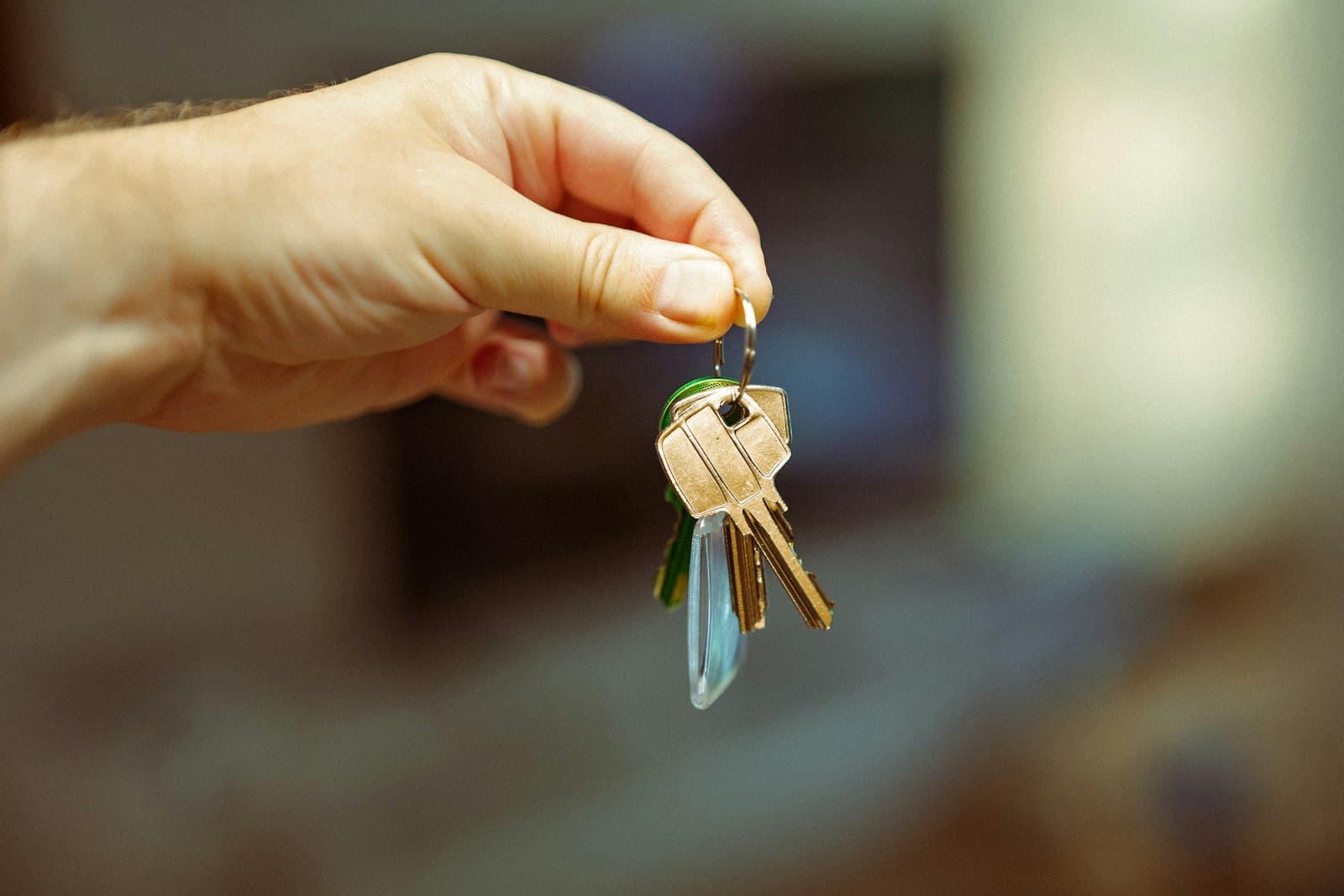
A lockbox solves a practical problem: an authorized visitor needs a key when the seller or listing professional is not at the property. Choosing one is a security decision as well as a convenience decision. The right question is how access will be controlled, recorded, and revoked throughout the sale.
A basic combination box and an electronic real estate lockbox can both hold a key, but they may support very different procedures. An attractive product description does not tell you whether it works with the professionals who will show your home or the rules governing your listing. Begin with your access plan, then choose equipment that supports it.
Understand the main differences
A mechanical combination box generally opens when someone enters the correct combination. It may not identify who opened it or when. Once a code is shared, its usefulness as a security control depends on how carefully it is handled and when it is changed.
An electronic box may use approved credentials, an application, or another authorization method. Depending on the model, provider, and local setup, it may support access windows, event records, or temporary permissions. Confirm the actual features rather than assuming every electronic box provides every control.
For example, Supra's manufacturer guidance describes configurable access hours and a route for contractor single-access keys through the listing agent. These are features of that system, not a promise about every lockbox or every local implementation. Ask your provider which options are available for your property.
Ask who needs access
Make a list of visitor categories: showing agents, unrepresented buyers with approved supervision, photographers, inspectors, appraisers, contractors, and any other authorized professionals. Different categories may need different access arrangements.
An agent's electronic credential might work through one local organization but need additional authorization through another. A contractor may not have that credential at all. Compatibility problems can derail an appointment even when the device functions perfectly.
Ask your listing professional how visiting agents typically enter properties in your market. If the usual system differs from your proposed box, identify a workable process before launch. A lower equipment cost may not be a good bargain if every showing requires emergency coordination.
Distinguish access from appointment approval
The ability to open a lockbox should not automatically mean a visitor has permission to enter at any time. Appointment approval and device access are separate controls. Your showing instructions should make that relationship clear.
In an occupied home, a visitor could possess valid credentials while arriving during an unapproved period. Pets, residents, or workers may be inside. In a vacant home, an unscheduled visit can still conflict with maintenance or another appointment. Do not let the presence of a box replace a scheduling procedure.
Ask who verifies identity, confirms the appointment, and handles exceptions. If those responsibilities are vague, buying a more sophisticated device will not resolve the underlying gap. Equipment works best when someone is accountable for the process around it.
Evaluate records and notifications realistically
An access record can help establish that a credential interacted with a device. It may not show every person who entered, whether the door remained open, or whether the property was locked afterward. Understand precisely what each event means in your system.
Notifications can be useful, but they should not create a false sense of supervision. Some may be delayed or depend on connectivity. Others may record an opening but not a reliable departure. Ask what your provider logs and how it handles outages.
If a device supports time limits, determine whether they apply to retrieving the key, entering through a smart lock, or both. Expiring permission to obtain a key does not physically retrieve a key already removed. This is why key return and door security still need an agreed procedure.
Think about power and physical fit
Electronic devices may require battery checks, updates, or a supported phone. Mechanical devices can also fail through wear, weather, or incorrect closure. Ask how each option is tested and what happens if a visitor cannot open it.
Confirm that the box can be attached safely using the manufacturer's instructions and local property rules. A door handle, railing, or mounting point may not be appropriate simply because the shackle fits around it. Consider accessibility, weather exposure, and whether placement interferes with using the door.
For a condominium or managed community, check building restrictions and permitted locations. A shared entrance may require coordination beyond the private unit. Do not assume that owning the unit gives permission to attach equipment to any common-area structure.
A practical comparison
Suppose one option is an inexpensive mechanical box with a shared code. Another costs more but supports named credentials and adjustable access settings in your local showing system. The more expensive option may provide useful accountability, but only if authorized visitors can use it and someone manages permissions.
Now imagine a property with very few appointments and a professional attending every visit. A simpler arrangement may be workable under that professional's procedures. The point is not that one device is always best. The device should fit the access risk and management plan.
Questions to answer before installation
Ask how visitors are authorized, whether individual permissions can be removed, who sees access records, and how quickly settings can be changed. Find out whether the device is owned, rented, or borrowed and who is responsible for loss, damage, or replacement.
Also ask what happens when the listing ends. A complete plan includes removal, permission cleanup, and key recovery. If the person installing the box cannot explain how the access arrangement will be closed out, the plan is unfinished.
Write down the chosen procedure in language everyone involved can understand. Identify the contact for routine appointments and the contact for urgent access problems. Keep credentials and sensitive details out of publicly distributed materials.
A lockbox is useful when it makes authorized access dependable and limits unnecessary access. Its value comes from the controls you actually use, not the number of features printed on the packaging.
Consider the entire period of use when comparing cost. Installation, subscriptions, credential access, replacement batteries, return obligations, and support can all affect the practical expense. Ask for the relevant charges in writing. A device comparison is more useful when it reflects the actual service arrangement instead of only the purchase price.
Sources and further reading
This lesson explains how home sales generally work in the United States and is not legal advice. Your contract, state and local law, and listing service rules decide the specifics, so check them with your broker, attorney or closing provider.